按钮
- 更新时间:2026-01-30 19:33:13
按钮-button
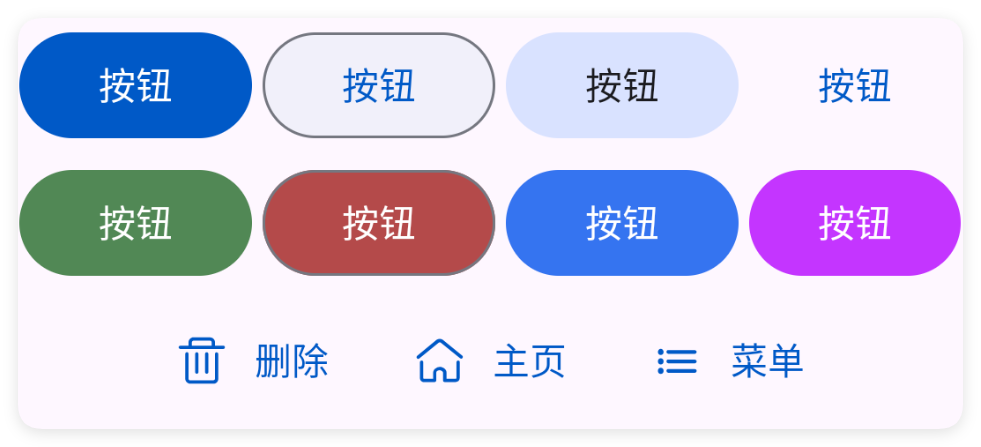
按钮控件{XButton}是属于{XView}的子控件,因此{XView}中的所有方法,按钮控件都可以调用。
按钮是界面的最简单的元素,一般用于点击操作。
一、基础使用
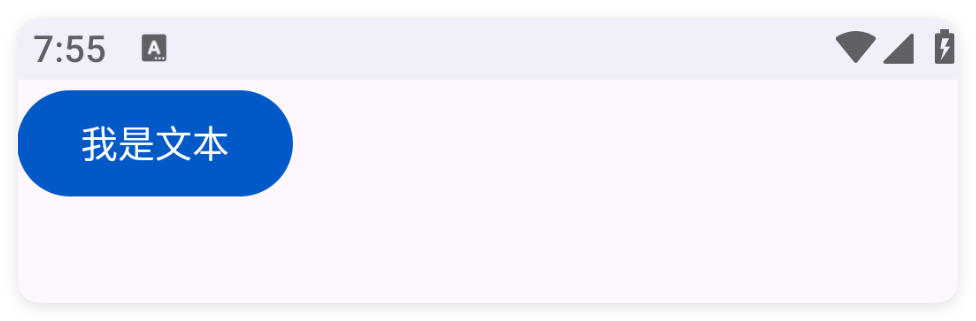
其实按钮本身是没有点击事件的,由于它继承了父类{XView},因此可以调用其父类中的函数来实现点击操作。
事实上,所有的组件都是继承自{XView}的,因此都可以调用{XView}中的方法。
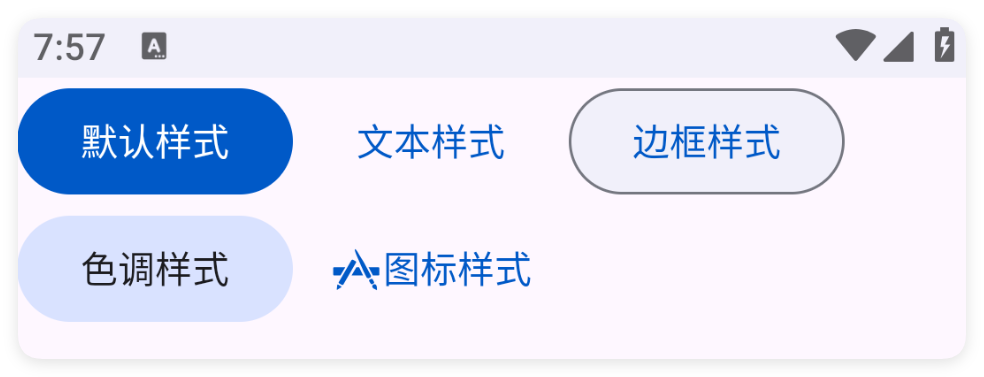
二、常用属性
三、常用函数
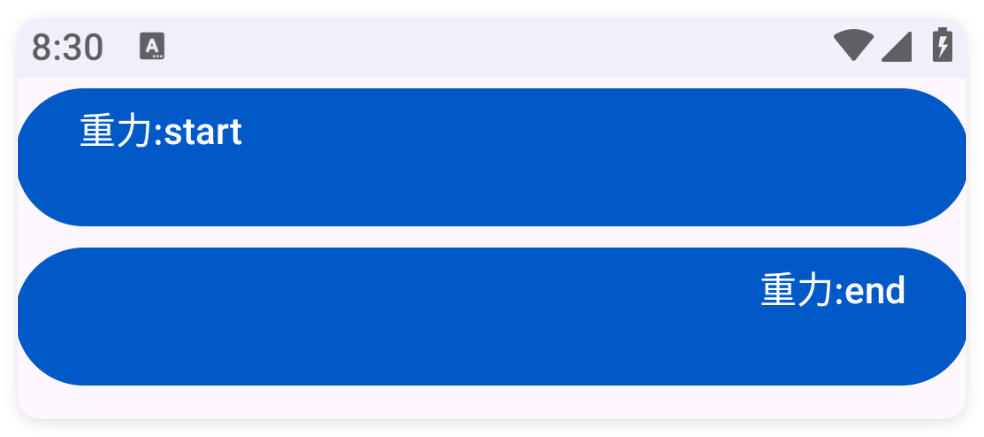
setGravity(gravity)
设置重力
-
参数 : gravity {String} 例如:"center|bottom"
setTypeface(typeface)
设置字体
-
参数 : typeface {int} 字体类型(使用AgUi中的常量,例如:$ui.BOLD)
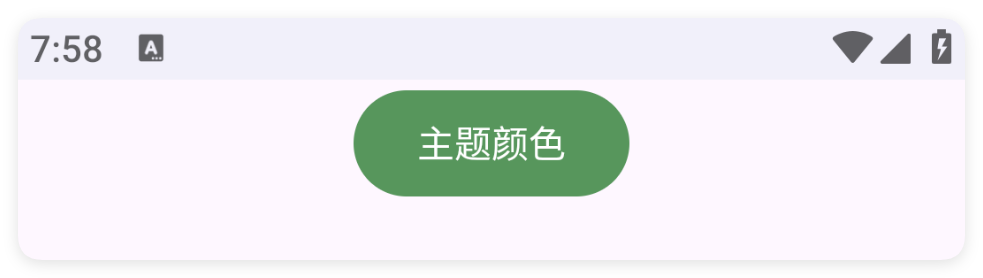
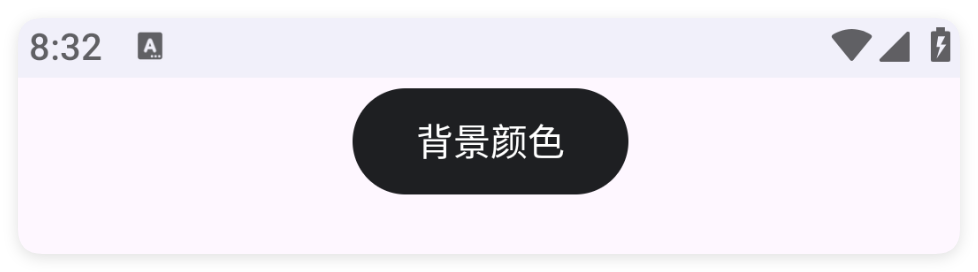
setColor(color)
设置主题颜色
-
参数 : color {int} 颜色
setColor(color)
设置主题颜色
-
参数 : color {String} 颜色
setText(text)
设置文字
-
参数 : text {String} 文字
getText()
获得文字
如果获取的文本为null则会返回空字符串
-
返回 : {String} 文字
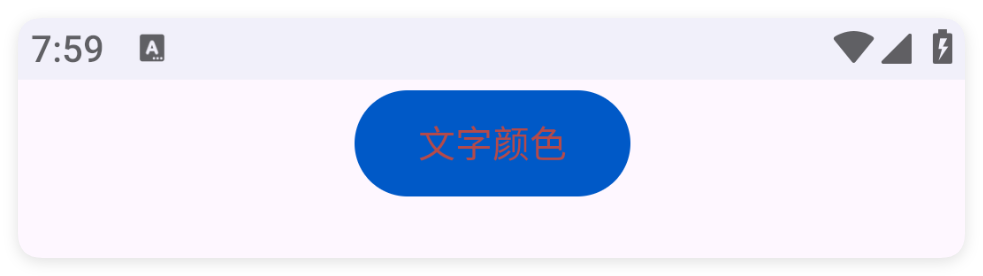
setTextColor(color)
设置文字颜色
-
参数 : color {String} 颜色
setTextColor(color)
设置文字颜色
-
参数 : color {int} 颜色
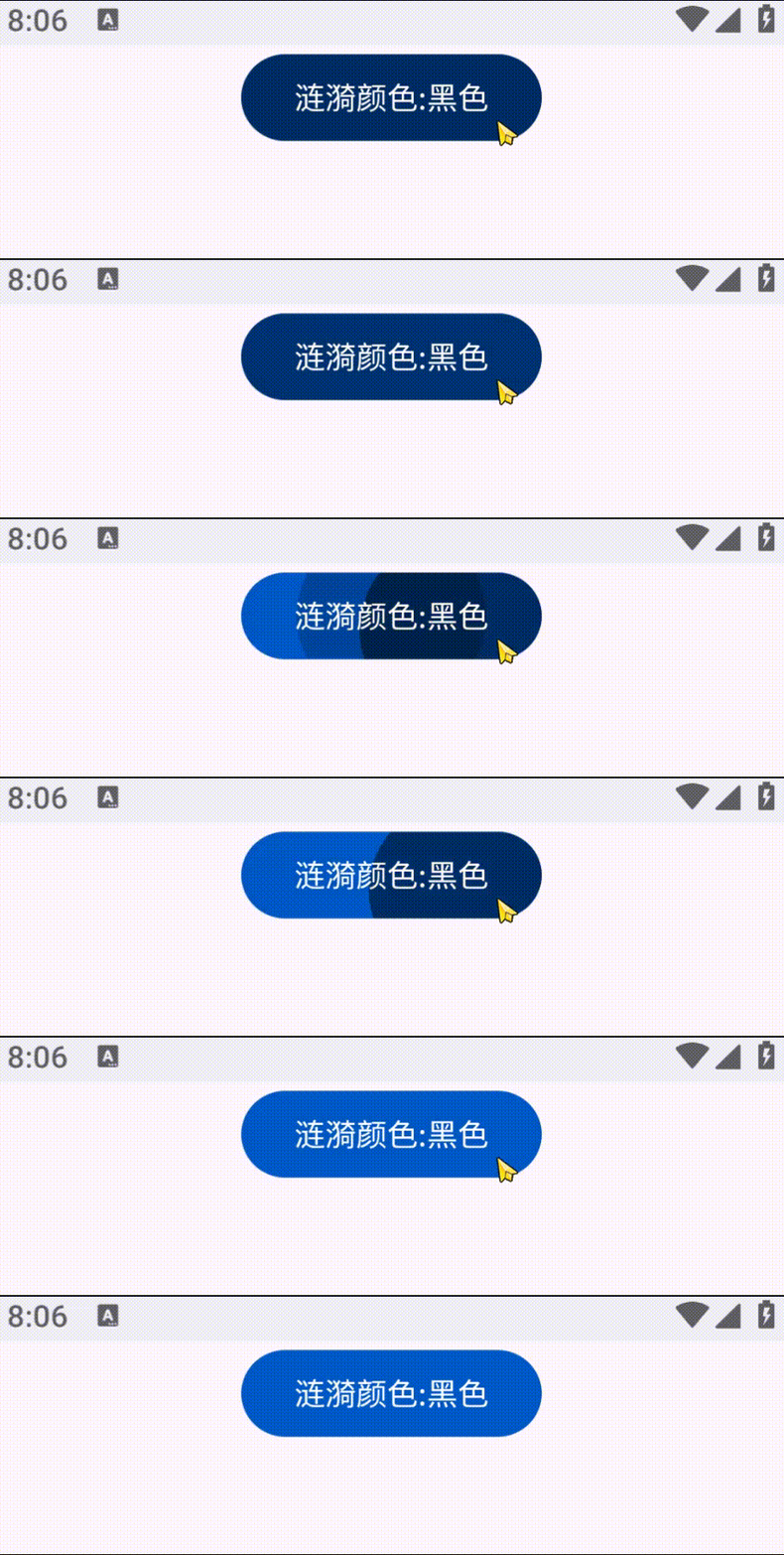
setRipper(color)
设置涟漪颜色
-
参数 : color {int} 颜色
setRipper(color)
设置涟漪颜色
-
参数 : color {string} 颜色
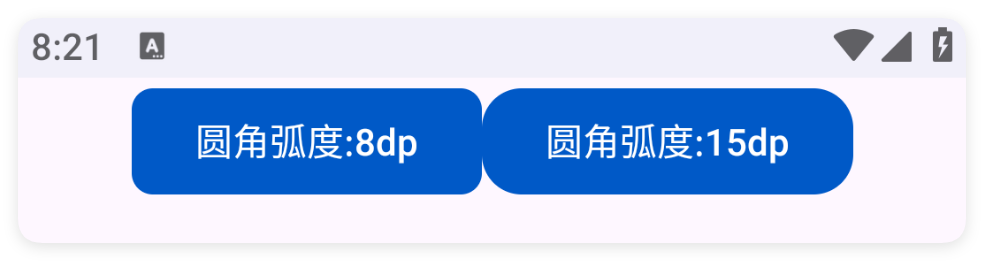
setRadius(radius)
设置弧度
-
参数 : radius {int} 弧度
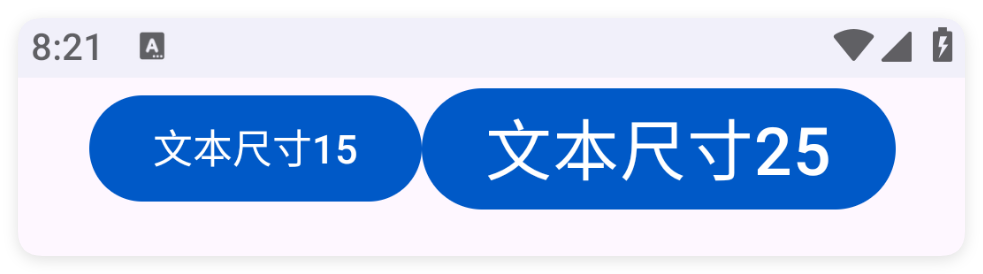
setTextSize(size)
设置字体大小
-
参数 : size {float} 字体大小
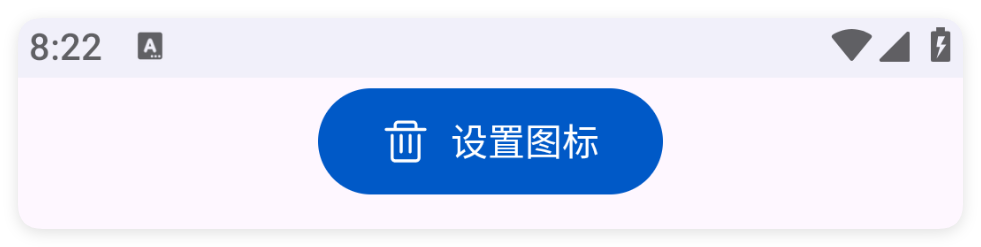
setIcon(icon)
设置图标
-
参数 : icon {string} 图标
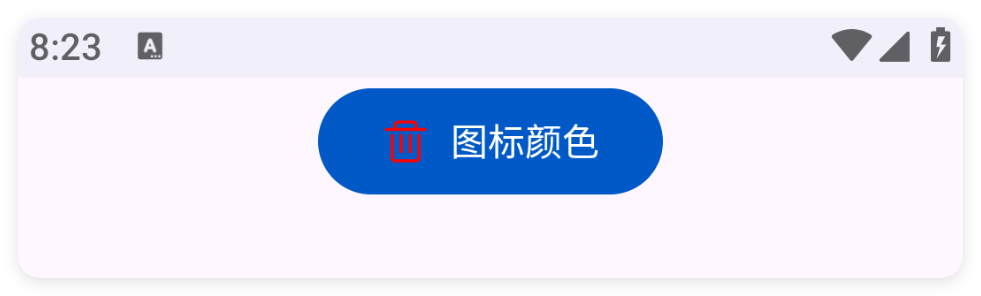
setIconTint(color)
设置图标颜色
-
参数 : color {int} 图标颜色
setIconTint(color)
设置图标颜色
-
参数 : color {string} 图标颜色
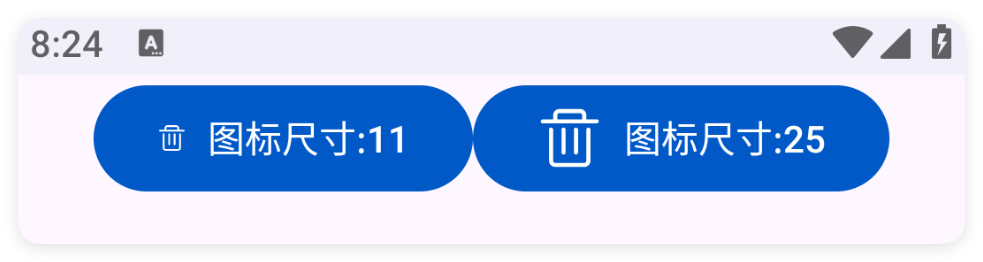
setIconSize(size)
设置图标尺寸
-
参数 : size {int} 图标尺寸
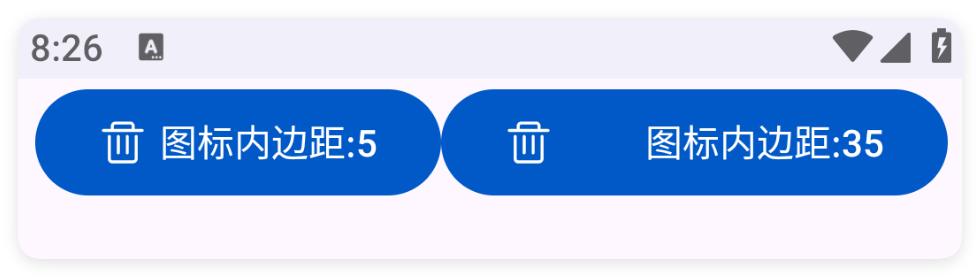
setIconPadding(padding)
设置图标内边距
-
参数 : padding {int} 设置图标内边距
ON THIS PAGE